Help
What is going on with my issue?
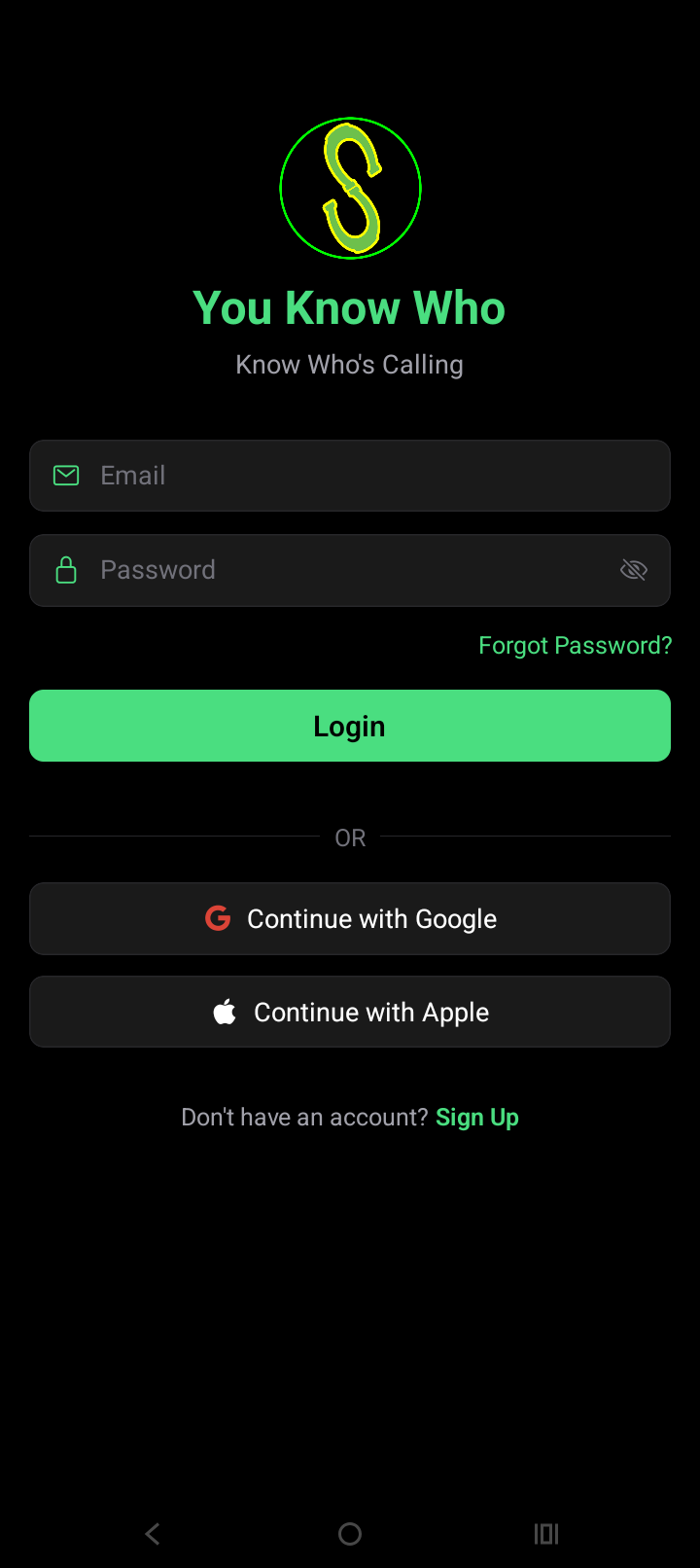
So I created the same app idea, by using the "AI" app development software "Famous AI" (https://famous.ai/).
I successfully created a "claimed to be” fully functional app by the AI developer program called “Famous AI”.
I finished developing my mobile app idea, by using an AI generated app development software program over the internet called "Famous AI".
The "Famous AI" app development software did well, until I ended up being told that I needed to create "navigation" into my app.
I successfully downloaded a “ZIP” file, that holds the entire created development code for the app that I created (so I would have a safe backup file).
Then, the AI app development software told me I need to add a “navigation page”.
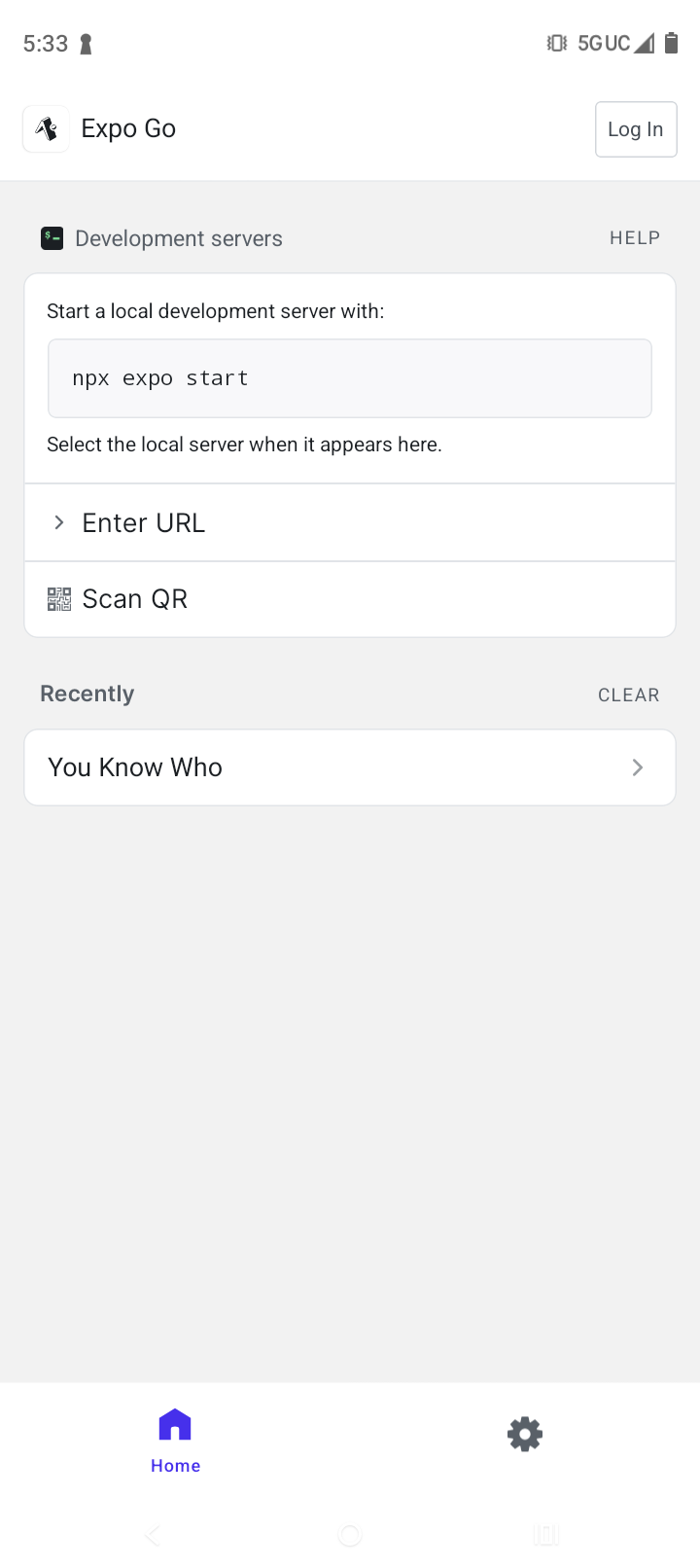
So, I successfully installed “Expo Go” on my phone.
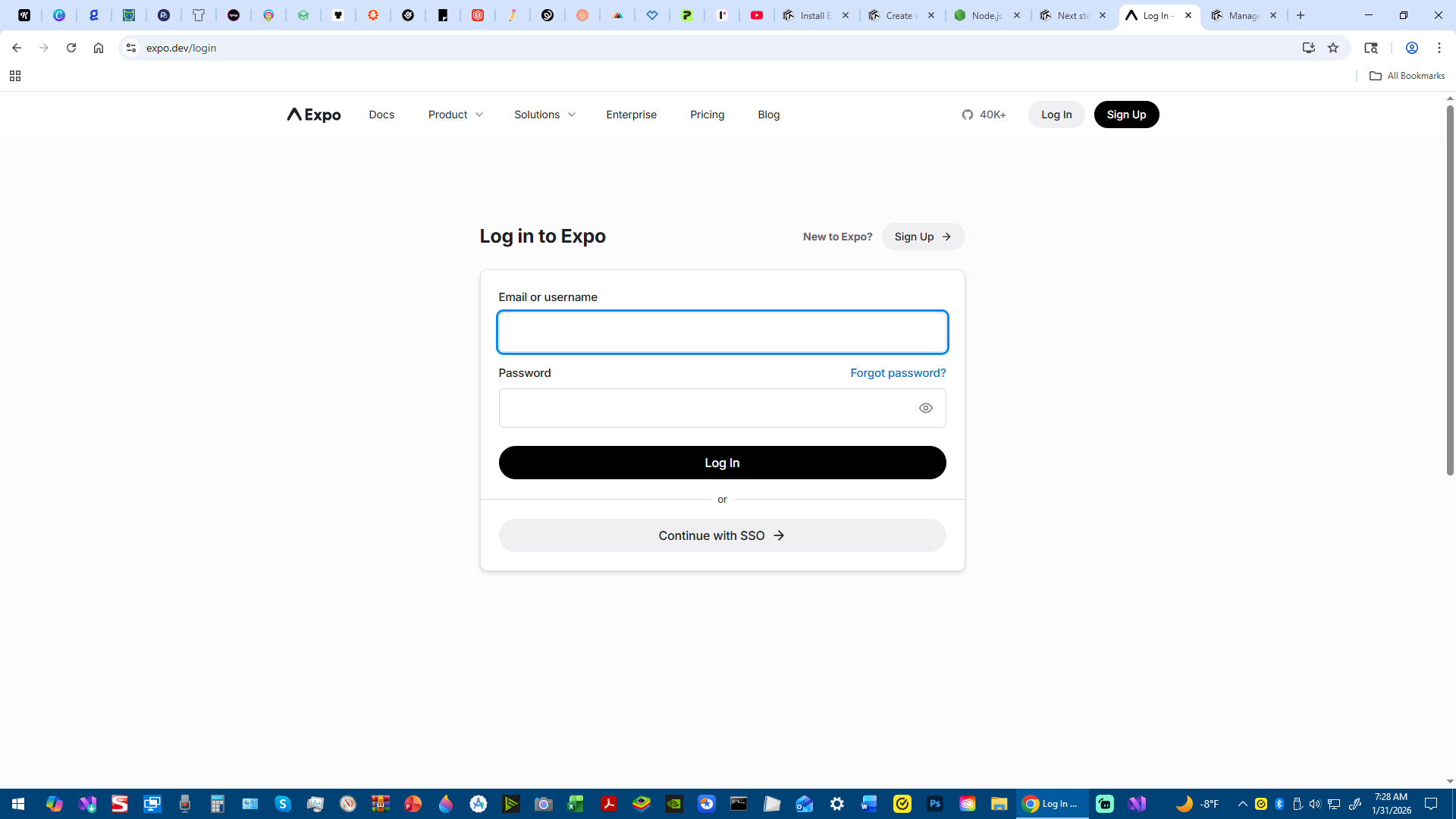
I successfully logged into my account with the “Expo Go” phone app (and with the AI development program from the computer called “Famous AI”).
I successfully connected my computer to my phone with Bluetooth.
(I understand that phones (digitally) require special phone codes (permissions) to access and use “sandbox-like” programs)
I found out that I do not know how to properly add navigation pages into my mobile app.
“Google Play Console” (where I am required to upload my app details and ALSO upload the code itself) has been causing me trouble.
I also found out, I do not know how to find and access the internal screenshot pictures of my app, so I can add them into Google Play, for samples (examples), so customers know what they are using, and buying access to use.
Something within the inside of the “Expo Go” app (wireless Bluetooth connection from my computer - or from the phone developer settings and access) is not allowing me to edit, change, or use the created content that I created on the AI app developer computer program.
The app “Expo Go”, is “greyed out”, and not able to be used, tapped/clicked onto the phone screen, or functionable.
I think there is something wrong with the development access (special codes required to be entered for developer mode) from the phone.
This is the way I was told to finish this project, but I cannot figure out how to move forward…
(https://docs.expo.dev/develop/app-navigation/)
I have "Node.js" downloaded onto my desktop computer at home.
I have “Visual Studio Code” downloaded onto my desktop computer at home.
I have a “Windows” type of computer.
I have "PowerShell" downloaded onto my desktop computer at home.
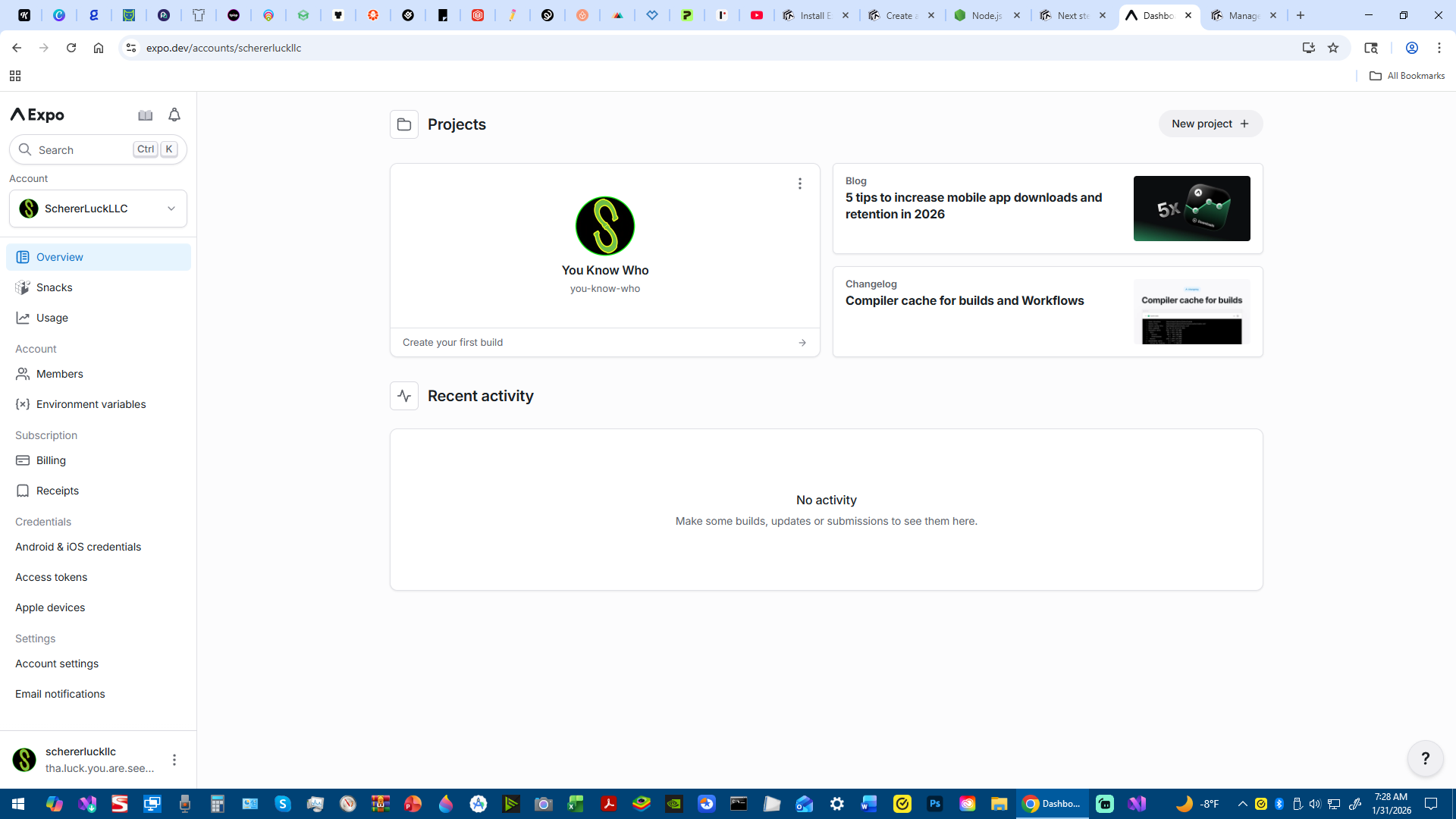
I have an account with “Expo Go” on my phone and on a website with my access password.
I have tried to work on "Expo Go" on my phone, to try to get the "Expo Router" actively working, but it is "greyed out on the phone screen" and not accessible on the phone screen.
I do not know if “eas-cli” is required.
Is it mandatory to download and install "eas-cli"?
(https://www.npmjs.com/package/eas-cli)
Do I need a paid subscription for working on my app development improvements (like adding navigation to my app)?
(https://docs.expo.dev/develop/app-navigation/)
Expo (Links)
(https://docs.expo.dev/troubleshooting/overview)
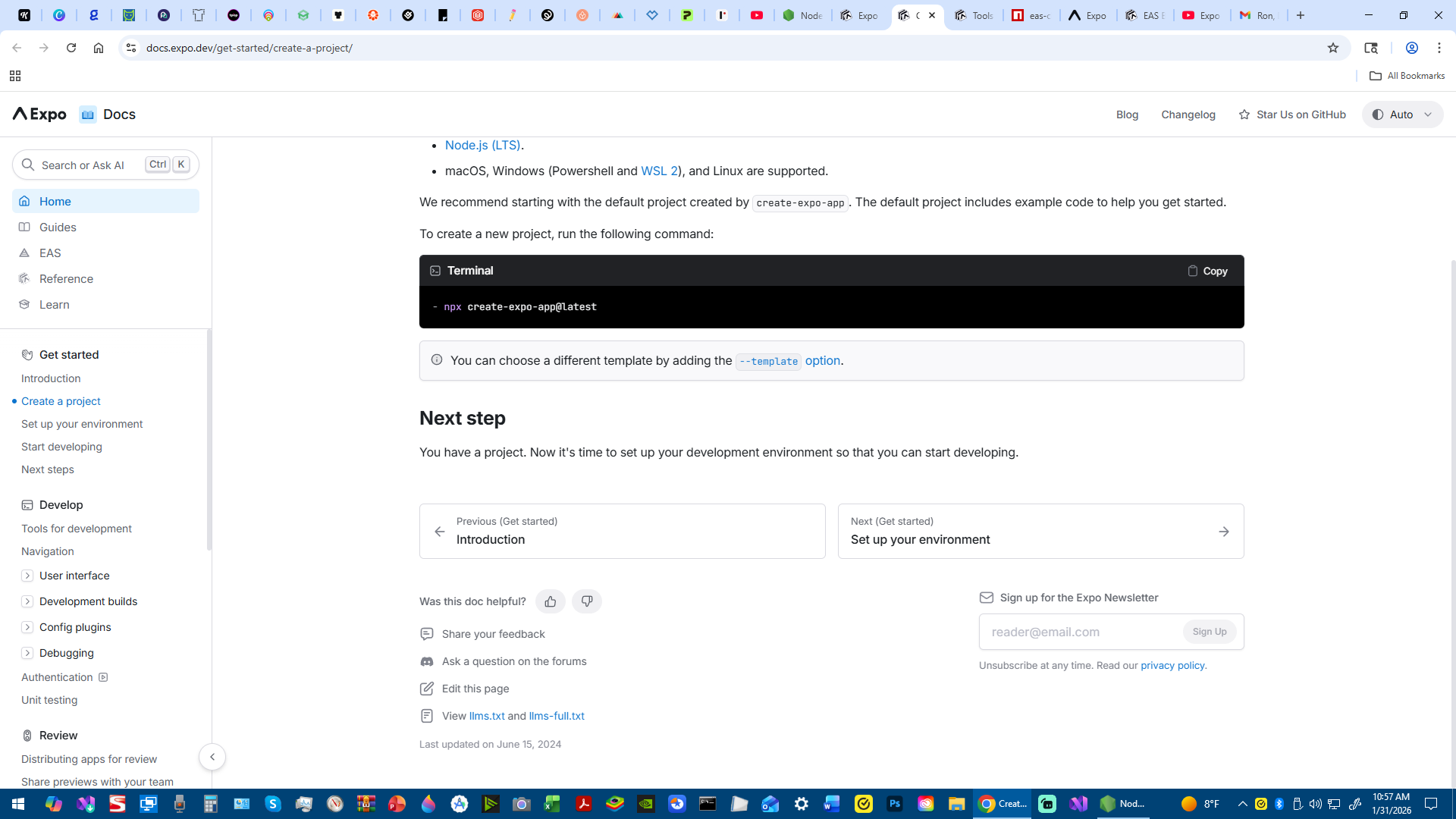
(https://docs.expo.dev/get-started/create-a-project)
(https://docs.expo.dev/develop/app-navigation)
(https://docs.expo.dev/build-reference/limitations)
(https://docs.expo.dev/billing/plans)
(https://docs.expo.dev/workflow/android-studio-emulator)
EAS CLI (Links)
(https://www.npmjs.com/package/eas-cli)
YouTube Videos that I have viewed (Links)
(https://www.youtube.com/watch?v=evVPlfe5H5Q)
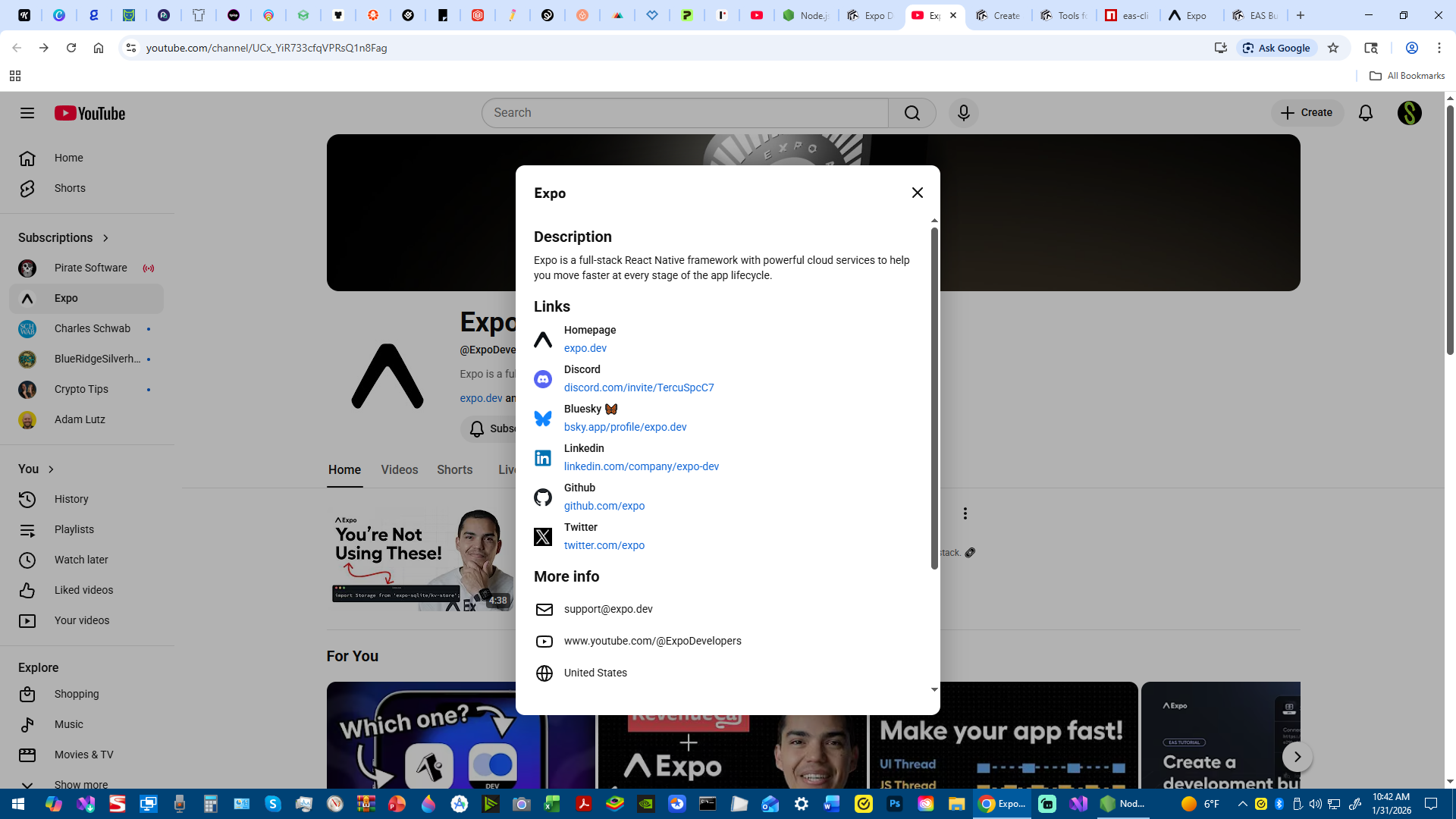
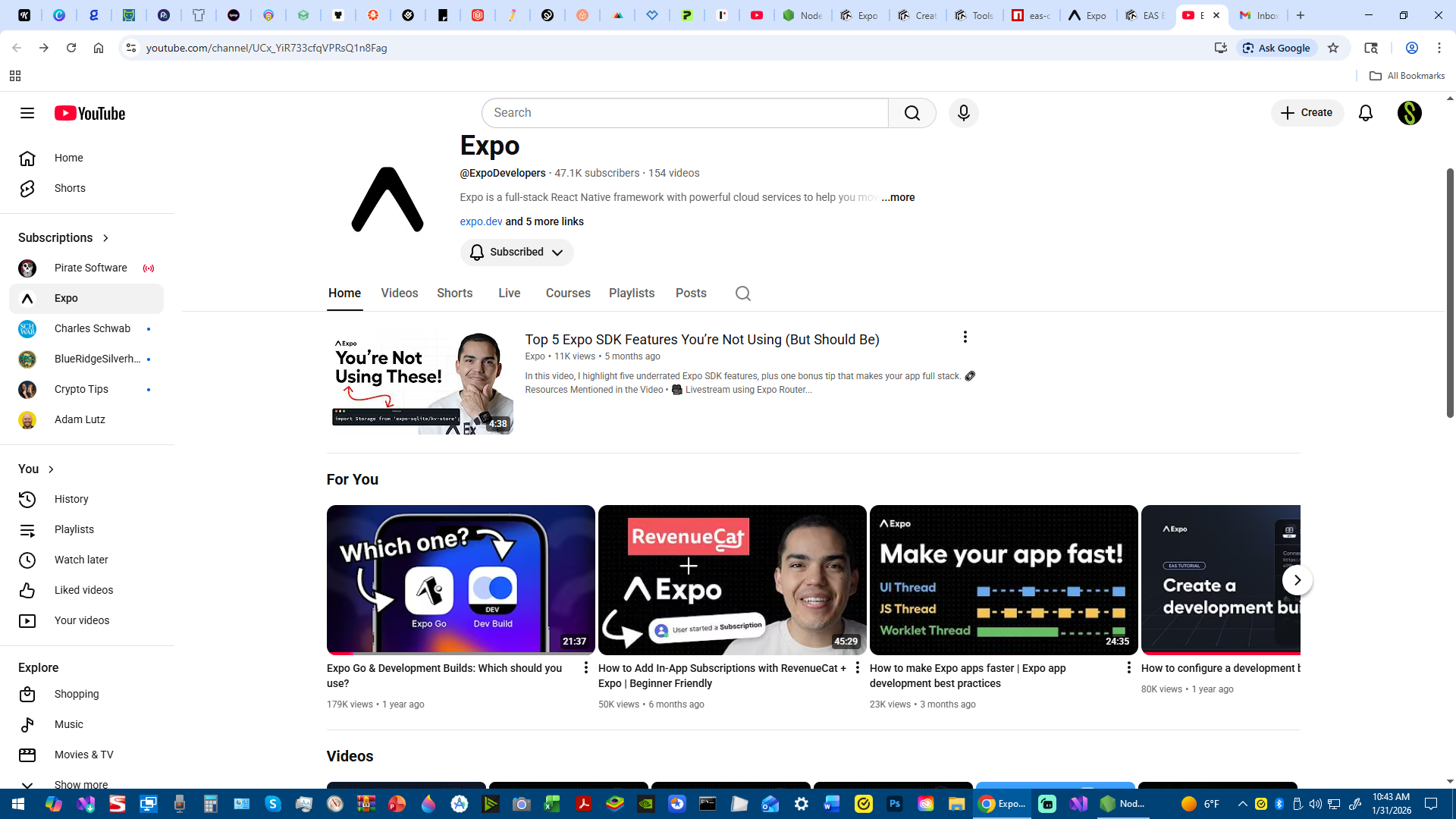
(https://www.youtube.com/channel/UCx_YiR733cfqVPRsQ1n8Fag)
(https://www.youtube.com/watch?v=vFW_TxKLyrE)
(https://www.youtube.com/watch?v=m1-bc53EGh8)
(https://www.youtube.com/watch?v=uv1CsEuvpbU)
(https://www.youtube.com/watch?v=6MD0jifRtDs)
Node JS (Links)
(https://nodejs.org/en/download)
Here is my direct contact information...
Aaron Michael Scherer
1-612-250-6869